 RUSTAMGULOFF
BlockDock 1.0: Dock No Longer Jumps Between Monitors
A small macOS utility, signed and notarized by Apple.
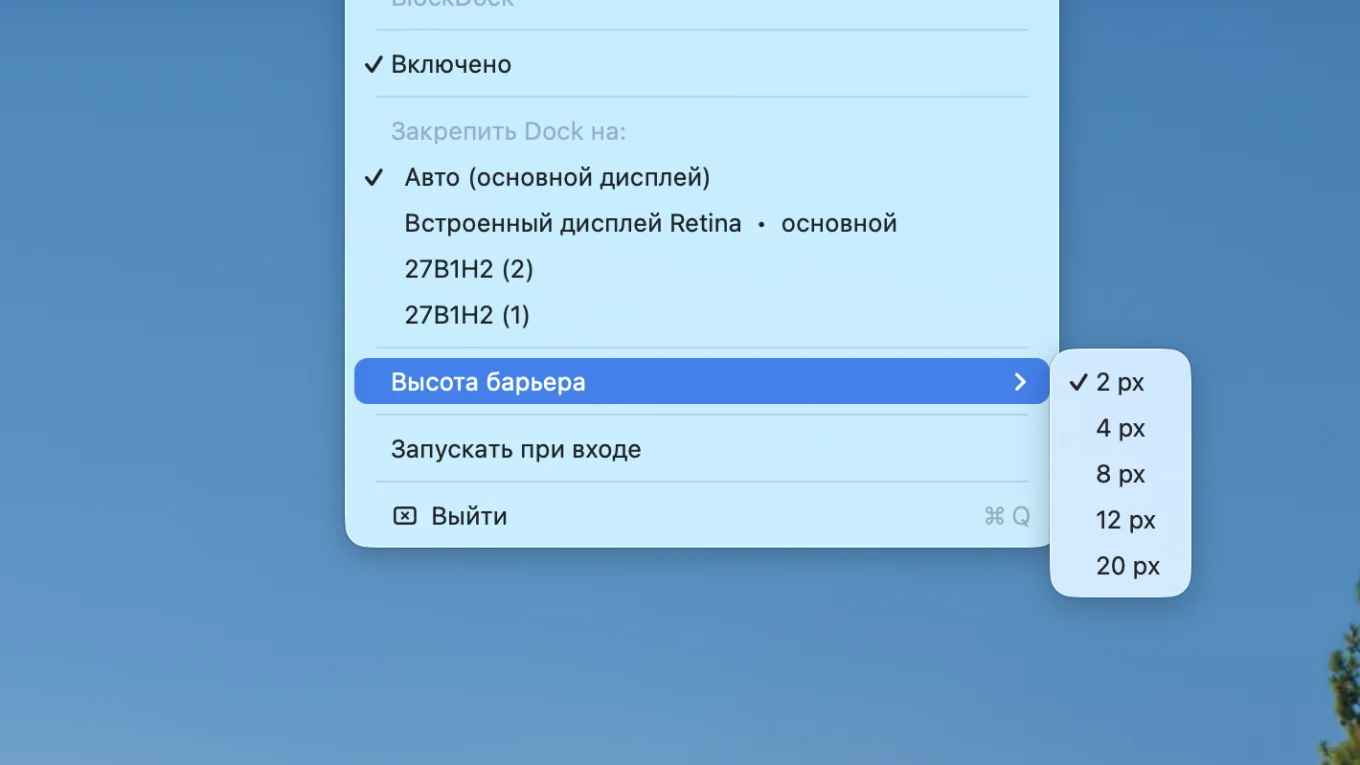
Introducing BlockDock — a free menu bar utility for macOS that prevents the Dock from jumping between monitors.
Problem
If you have multiple displays, you know the struggle: just hover the cursor at the bottom edge of the 'wrong' monitor, and the Dock moves there. There’s no option in macOS to 'lock the Dock to a display.' It’s been missing for years.
Solution
BlockDock creates an invisible barrier a few pixels high at the bottom edge of additional monitors. The cursor won’t 'stick' where it shouldn’t, and the Dock stays in place. This barrier doesn’t interfere with windows, clicks, or drags.
Release Details
- Universal binary: Apple Silicon + Intel
- Signed with Developer ID and notarized by Apple — installs with a double-click, no hassle with 'damaged' application warnings
- macOS 13+, size — under a megabyte
Comments
Loading…